← Home

Android TV 8.0 and later

Starship VPN

for Android TV

Private internet access on the big screen. Control the connection with your remote and link your account through the app on your phone.

Checking the latest version Download Android TV APK

This APK is for Android TV and Google TV only, not phones.

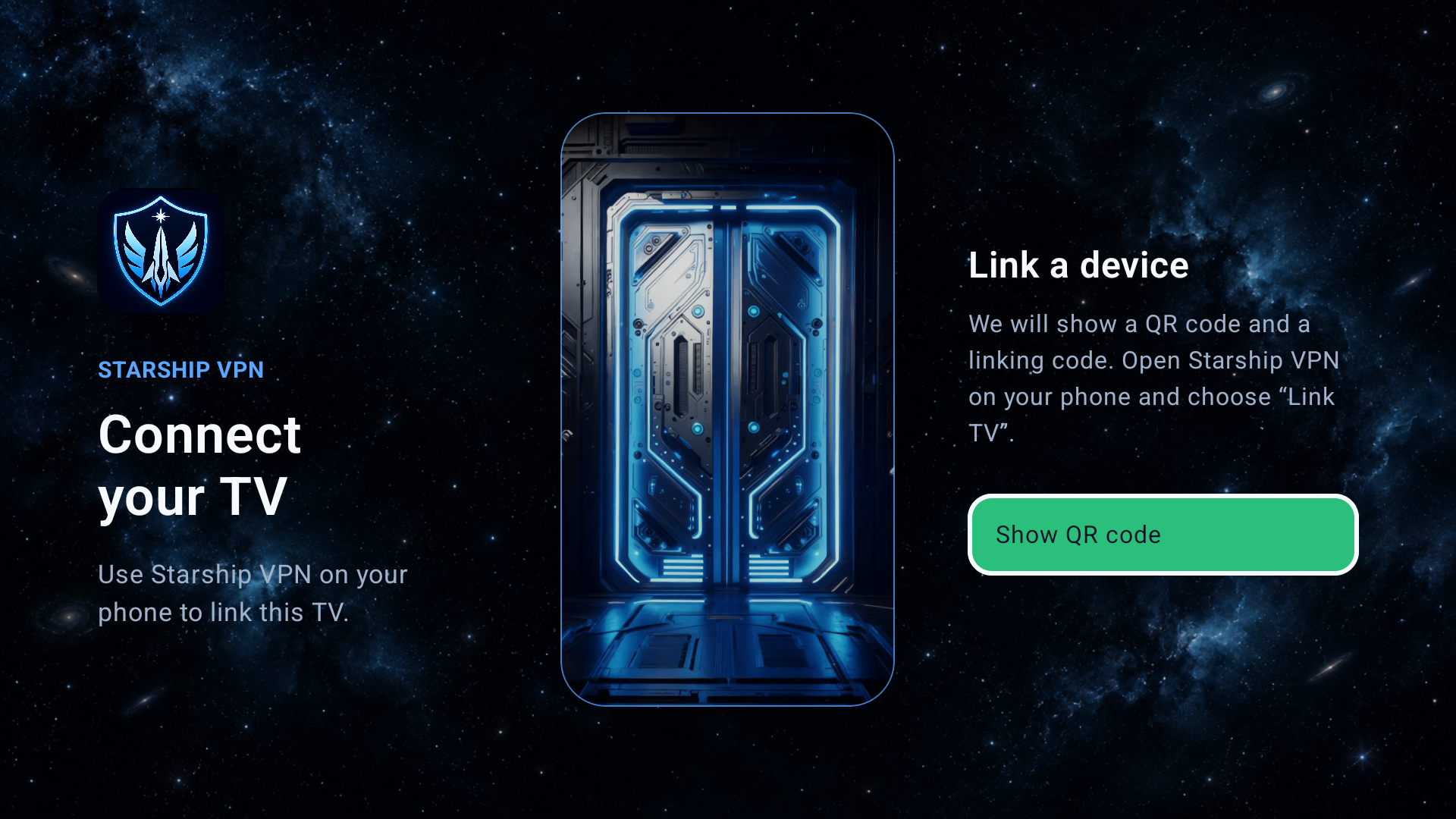
Starship VPN linking screen on Android TV

Install on your TV

How to install
Starship VPN on Android TV

Install the APK in either of two ways. Before the first installation, Android TV may ask you to allow unknown apps for your browser or file manager.

01

With a USB drive

  1. Download the APK to a computer. Use the button above on this site. Do not rename the file.
  2. Copy the APK to a USB drive. Connect it to the TV. A FAT32 or exFAT USB drive works.
  3. Open the file in a file manager. Find the APK on the USB drive, allow the file manager to install it if asked, then choose Install.
02

Directly in your TV browser

  1. Open a browser on the TV. Use Yandex Browser or any other browser that can download files.
  2. Open this page. Open starshipvpn.com/setup-android-tv.html and choose “Download Android TV APK”.
  3. Install it from Downloads. After it downloads, open the browser’s downloads list or a file manager, select the APK, and choose Install.

Link the TV to your account

One QR code — and you are in the cockpit

After installation, open Starship VPN on the TV and choose “Show QR code”. Then, in the Starship VPN app on your phone, choose “Link TV” and scan the code.

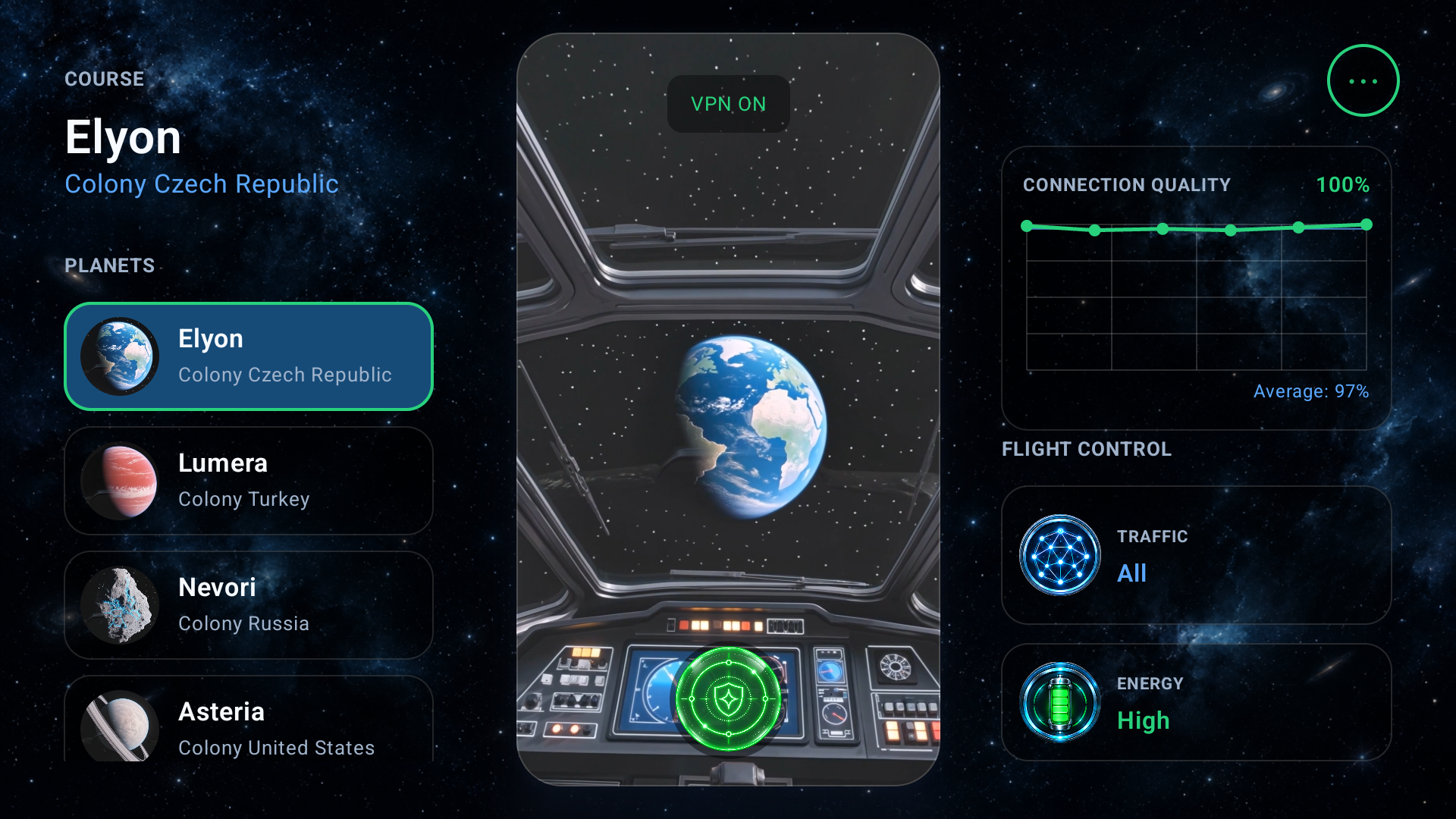
Starship VPN home screen on Android TV
Check the site address Download the APK only from starshipvpn.com.

Need help? Contact support: timelord.company@gmail.com