01
Open the App Store
- On Apple TV, find the App Store app and open it from the Home Screen.
Apple TV
for Apple TV
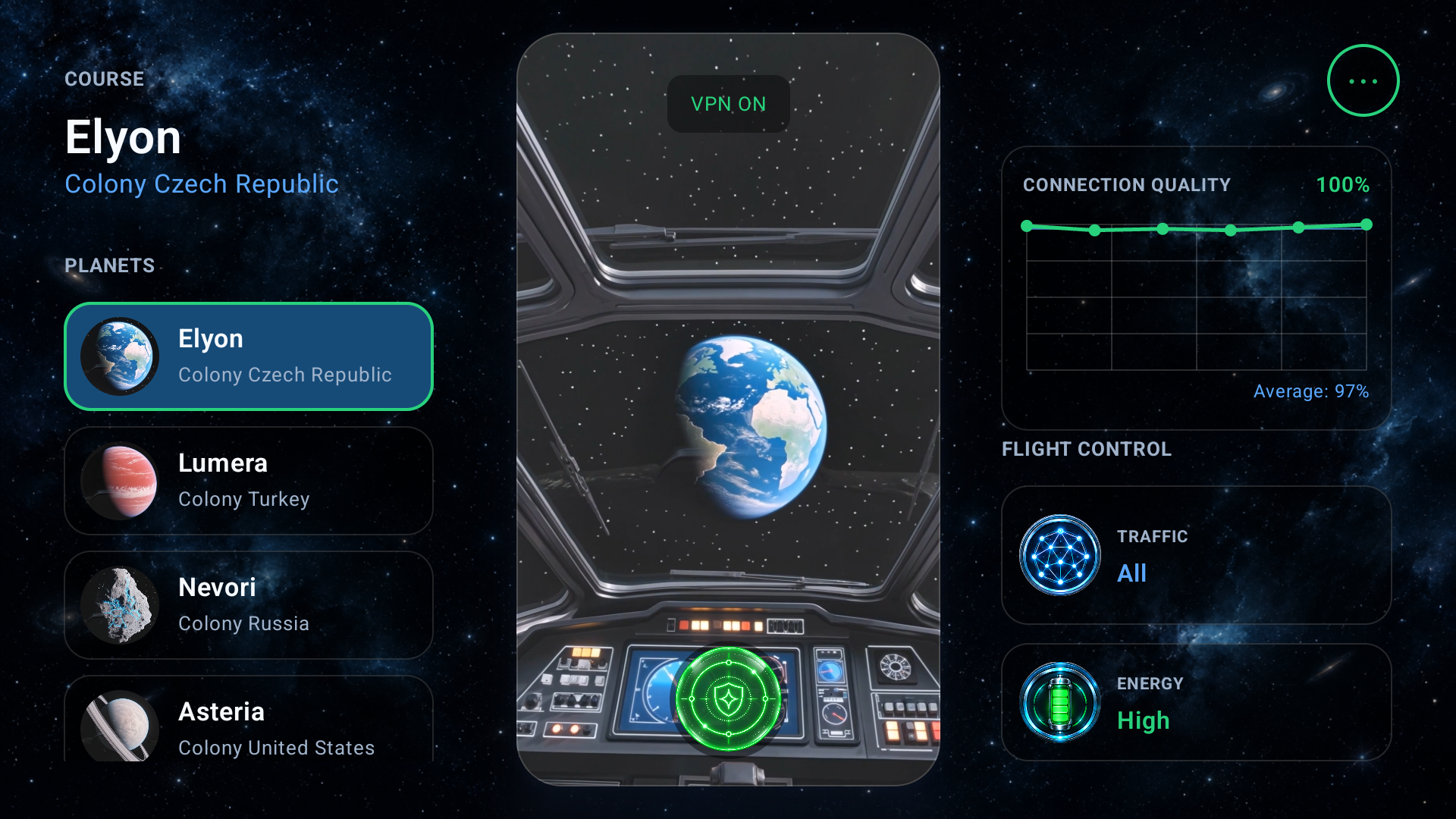
Private internet access on the big screen. Install the app from the App Store, then link Apple TV through Starship VPN on your iPhone.
Open in Install from the App StoreTo install, you need an Apple Account that can access the app in your region.
Install on Apple TV
Open the App Store on Apple TV, find Starship VPN or use the button above, and confirm the installation. When the download finishes, open the app on your TV.
01
02
03
Link Apple TV to your account
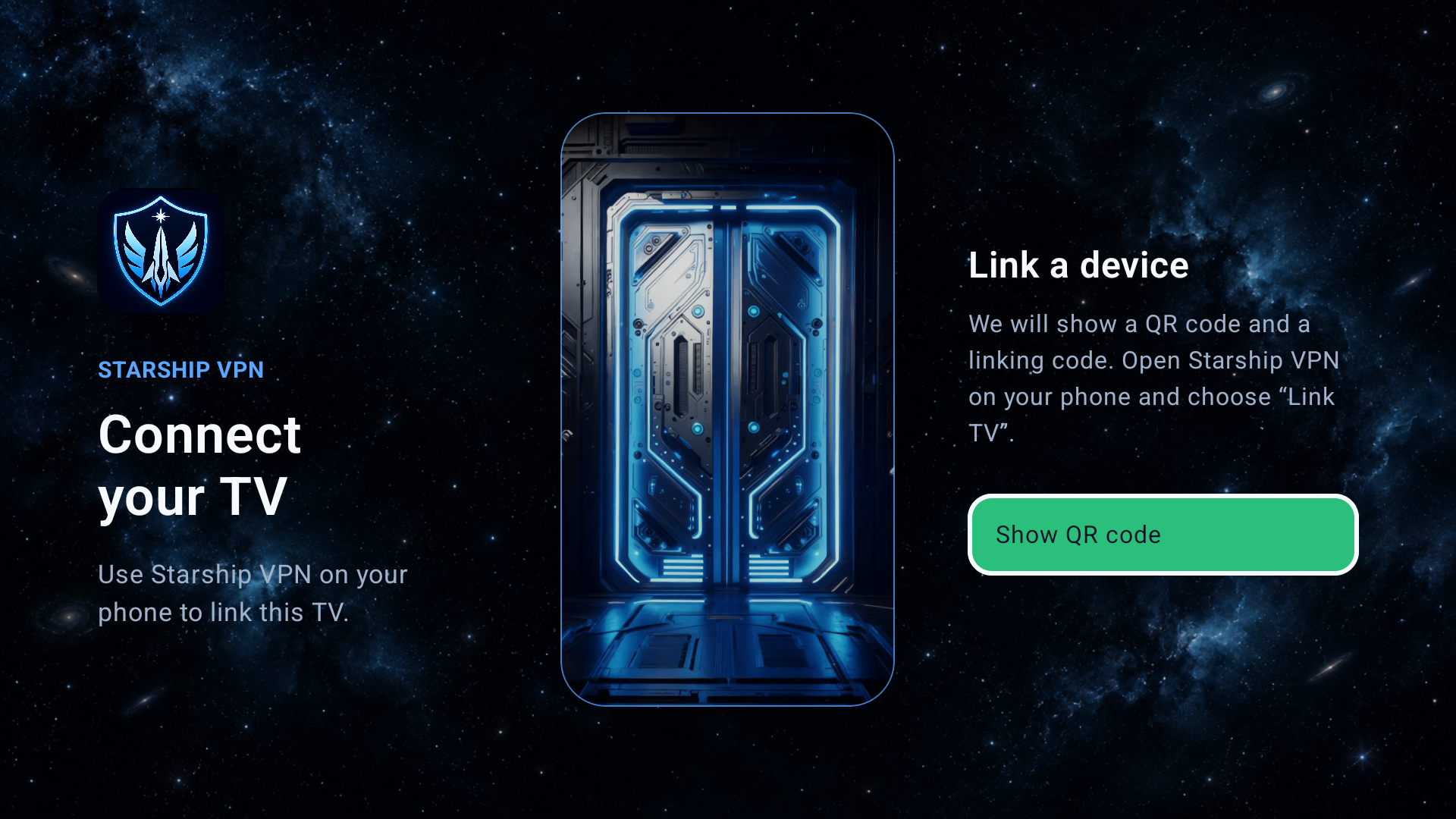
Open Starship VPN on Apple TV and choose to show the QR code. Then open Starship VPN on your iPhone, choose Link TV, and scan the code. Your TV will be linked to your existing account.
Need help? Contact support: timelord.company@gmail.com